r/CarPlay • u/KilllllerWhale • 6h ago
Discussion PSA: If you bought one of those cheap wireless adapters from AliExpress and it doesn't communicate with the car, read this
TLDR: Plug it into your computer, ask Claude or Codex to fix it. It will most likely find an issue in the pairing protocol and a broken firmware updater.
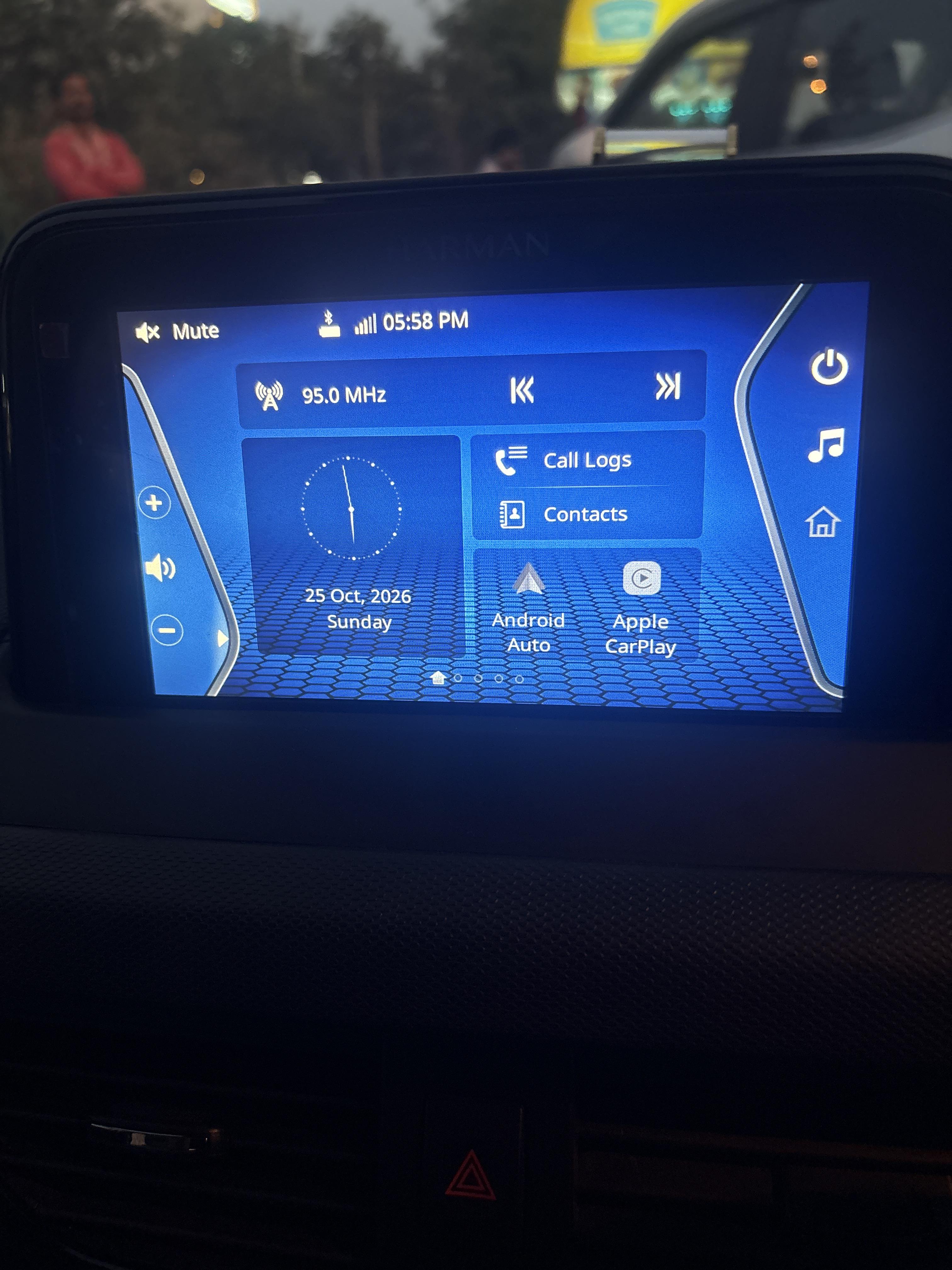
Basically, I bought one of those cheap wireless adapters for Carplay to use on my Volvo. When I plug it, it shows the Carplay icon on the car's center console screen, but only a placeholder is shown in the Carplay UI while the phone is waiting for a response from the car on the pairing request. Tries to mess around with the settings and other methods but nothing worked, checked for updates, it said it's on the latest version. So I gave up.
Fast forward to today, 2 months later. I just on a whim decided to plug the adapter into my mac and unleash Codex Astra on it (Astra is probably overkill). It immediately found a few bugs in the firmware, two of which, the updater that is supposed to check for new update was broken and was always gonna report your current version as the latest despite newer ones being available, the second bug pertains to the pairing protocol.
So then ChatGPT found a new firmware version available, it connected to the dongle's WiFi, installed the firmware update using a script it wrote (this is important because when connected to the dongle's WiFi, Codex or Claude will stop working, so they should prepare a script that runs while offline)
When it was done, I plugged the dongle, and literally connected on the first try.
Here's the prompt you can use.
Investigate my wireless CarPlay/Android Auto dongle and help resolve connection problems such as pairing loops, missing confirmation prompts, a frozen dongle welcome screen, black screens, or frequent disconnections.

My setup:
- Vehicle/model year/infotainment system: [fill in]
- Phone/model/OS version: [fill in]
- Dongle/product link/Bluetooth name: [fill in]
- Symptoms and steps already tried: [fill in]
- Does a direct wired connection work? [yes/no]
- Dongle is connected to this computer via USB.

Start with a read-only investigation. Inspect USB identity, the dongle’s Wi-Fi, local settings page, firmware versions, and accessible web interface code. Distinguish verified findings from hypotheses. Identify whether the likely failure is phone pairing, Wi-Fi handoff, authentication, the car’s USB connection, or display/session negotiation. Suggest targeted tests, changing one variable at a time.

Check for firmware updates using the dongle’s own update mechanism. Match its actual hardware platform and vendor profile—not just the product name or casing. Save the firmware locally, verify its checksum, and explain whether a relevant fix is documented. Ask before installing firmware or changing settings.

Important: connecting this computer to the dongle’s Wi-Fi may remove internet access and interrupt your ability to continue. Before switching networks, prepare a self-contained local script that can complete the authorized workflow without further AI or internet access. It should:
- Use the downloaded, verified firmware and the device’s own update procedure.
- Confirm device identity before uploading.
- Log progress locally and stop on unexpected responses.
- Avoid blindly retrying an ambiguous firmware-writing operation.
- Allow installation/reboot to finish, then verify the running firmware version.
- Restore the original Wi-Fi connection, including on failure.

Do not assume every dongle uses the same IP address, password, chipset, or update endpoints. Do not flash incompatible firmware or bypass device checks. Afterward, report what changed, what was verified, where the firmware/logs were saved, and what still requires testing in the car.