r/Inkscape • u/megarhythm • 15h ago
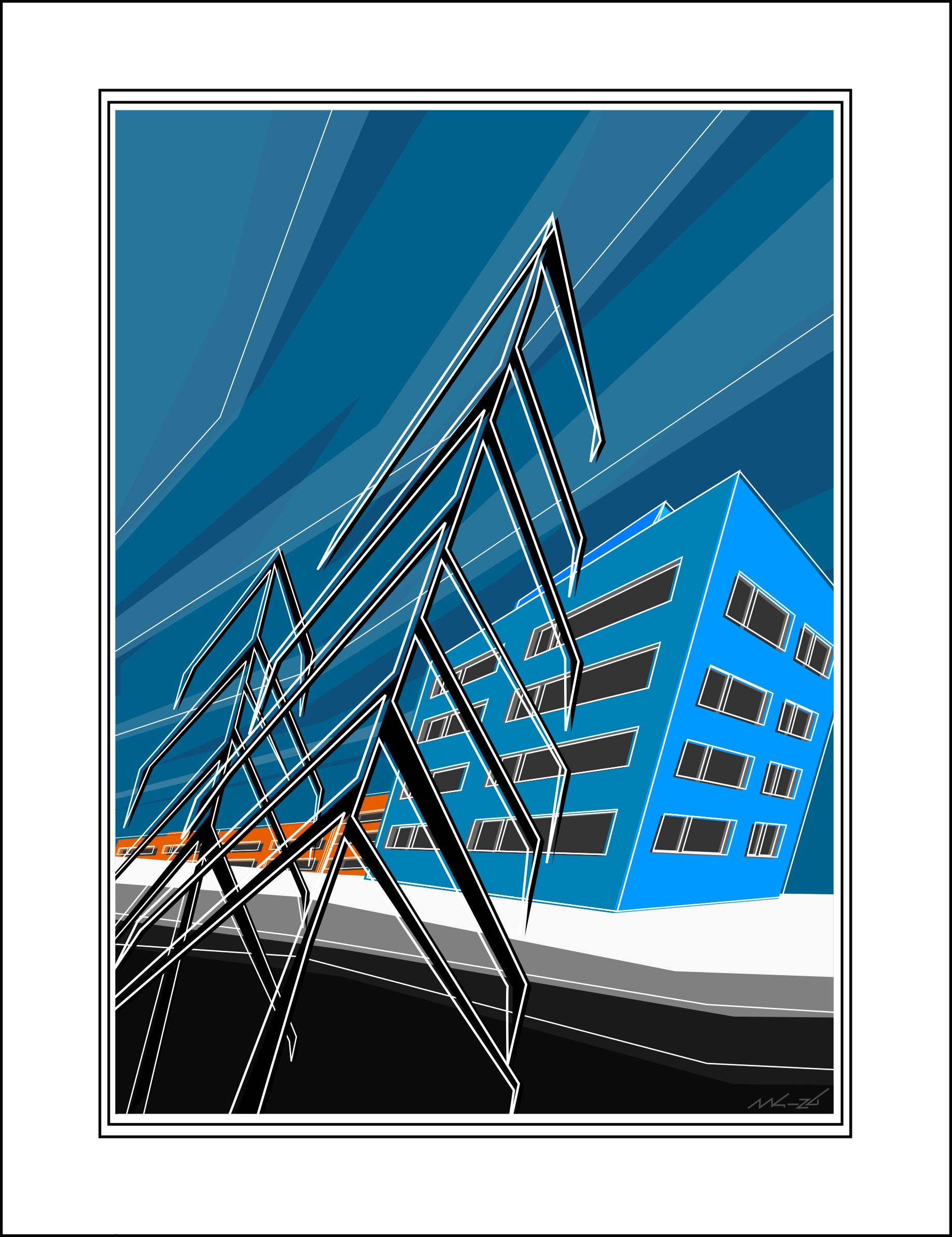
Showcase Winter scene (with only straight lines)
37
Upvotes
r/Inkscape • u/RedFox_127 • 11h ago
Hi! I'm editing a symmetrical, geometric fox logo in Inkscape. The logo consists of two separate vector shapes, each with a black outline.
The problem is that a black line appears down the middle where the two shapes meet. I want to keep the black outline around the outside of the logo, but remove the internal line completely.
I've tried adjusting the nodes, moving the shapes, scaling them, and aligning them, but I keep running into problems: either there's a gap between the shapes, the black line remains, or the bottom tip becomes misaligned.
What's the simplest way to remove the internal stroke while preserving the original shape and the outer black outline?
I'd really appreciate a step-by-step solution. I'm still learning Inkscape, so please explain which objects I need to select and which commands to use.
Below, the first image shows the logo with the black outer outline and the black line down the middle. The second image shows the design without the outlines or the middle line. The third image shows the original inspiration for the logo.
Thank you!
r/Inkscape • u/Aranthar • 6h ago
Hello Inkscape,
I've been working on a board game for some time, and it is played on a hex board of starships flying across the galaxy. I'd like to make a beautiful physical board for it, using some of the open source galaxy images (https://esahubble.org/images/heic0602a/ and similar).
Current hex map: https://imgur.com/a/SamjC7b
Is Inkscape the right tool for putting a hex grid on a photo like this and printing it at ~20x22 inches? I'd probably need to do some fancy shifting of hex grid edge colors to maintain contrast across the board.
I appreciate any advice or direction, thanks!