UPDATE — Version 1 is out: our first stable release, now with Ultra Textures!
Download Version 1 | GitHub / instructions
We've addressed the startup/preparation issues identified during testing and improved performance, shader compatibility and audio. COD MW4's campaign is now stable and playable on my tested setup, and the package includes Ultra Textures. Further improvements are planned.
Now we need more real-world test results! Please try Version 1 and let us know how it runs on your setup — successful runs are just as useful as bug reports. Include your Mac model/chip and RAM, macOS and CrossOver versions, whether the game launches, and how performance, visuals and stability hold up after playing for a while. If it fails, include the exact error. Reply here or open a GitHub issue; this feedback will help us find what still needs fixing.
Quick setup:
- Download and extract the release ZIP.
- Copy
MW4-Compatibility.exe, sp26.dylib and the whole MW4-Ultra-Textures folder into the game's sp26 folder.
- Open
MW4-Compatibility.exe through Run Command in your CrossOver bottle. No launch arguments or separate setup are needed for the compatibility fix.
When updating an existing texture folder, copy the new files into it and keep its Data folder. Stop the game and textures before updating.
Ultra textures: Open MW4-Ultra-Textures/Ultra-Textures.command on your Mac to download or resume. After verification, choose Start Textures, keep its window open and launch the game as usual. Press Control-C in the texture window after exiting the game. Requires Python 3.10+, a separate large download and administrator permission to start textures. The tool shows the size and storage location before downloading; see the included README for details.
Recommended: CrossOver Preview with D3DMetal 4.0b3, with Metal 4 and MSync enabled. Tested on M4 Max / macOS 27 / CrossOver Preview 27.0.0.41073; other configurations haven't been verified yet. The first game window can still take a while to appear.
Original post:
Managed to get COD MW4 running on my Mac!
It's still far from perfect in terms of performance and playability, but I've made some pretty good progress so far.
Haven't had much free time to dig into the remaining issues yet, but figured I'd share this anyway to show that it's possible. Hopefully it'll encourage others in the community to experiment with it too.
I still need to clean up and put together some of the tweaks and workarounds I've been testing before sharing something others can actually reproduce, rather than just throwing out a bunch of experimental steps.
I'll keep working on it whenever I get some free time, though knowing this community, someone will probably come up with a proper fix before I even get around to it lol.
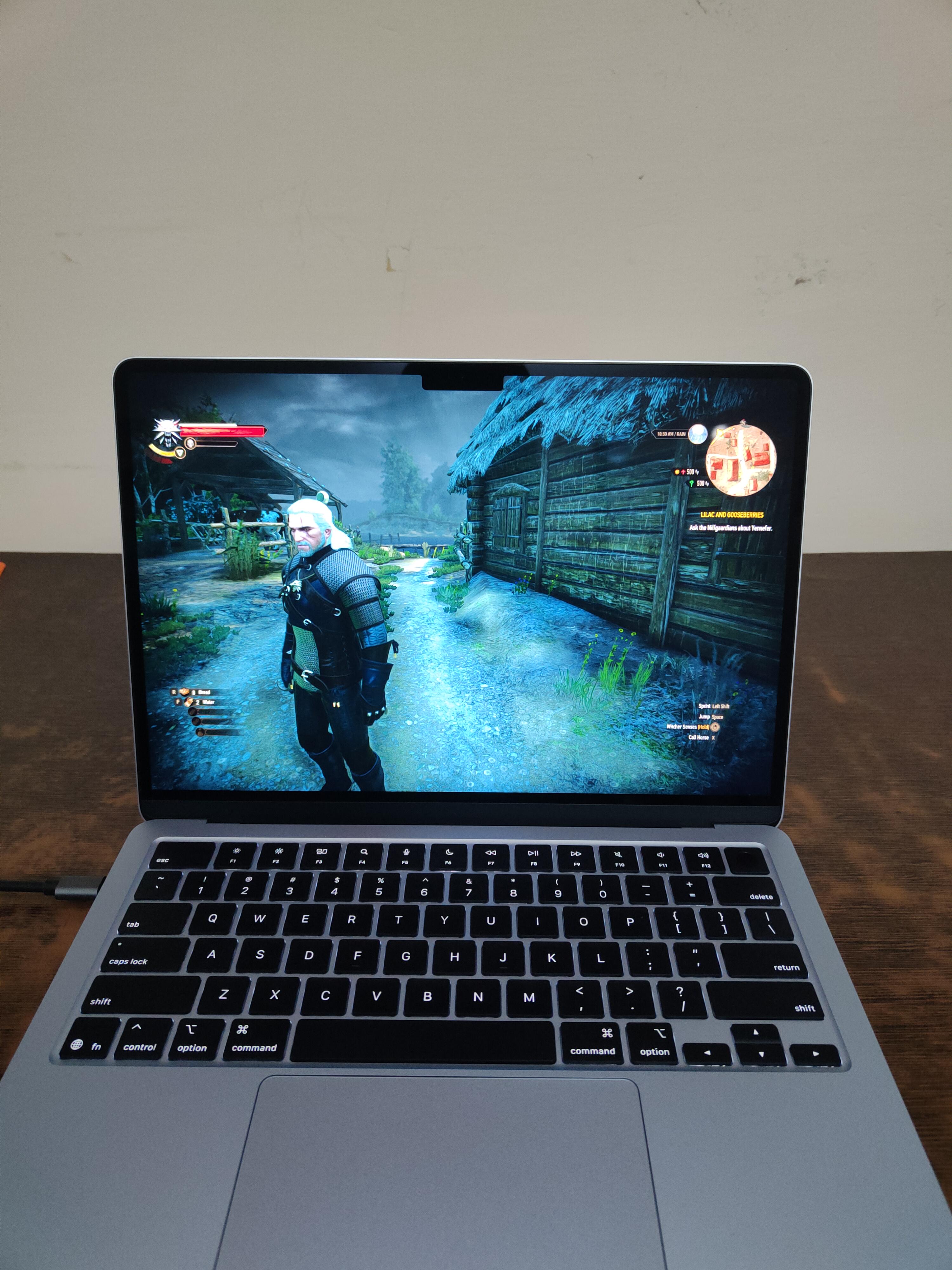
Also, don't let the screenshot fool you happened to catch a lucky moment. It's usually closer to 30 FPS.
And yes mostly AI but thanks to AI :)