This is the latest, open and most up-to-date list of games that are compatible with the M1 Mac, whether it uses the original M1 chip or the M1 Pro or M1 Max. Compatibility is broken down to Native ARM, Rosetta 2, iOS, CrossOver or Parallels.
The wiki is free to add information to, you can edit any page without an account. If you have any questions please read the Editing guide or come to the Discord.
I was able to run GTA 5 natively at max settings 1440p resolution on my M1 MacBook Pro and the experience is smooth crazy how recomps come so far I hope rdr2 gets the same treatment.
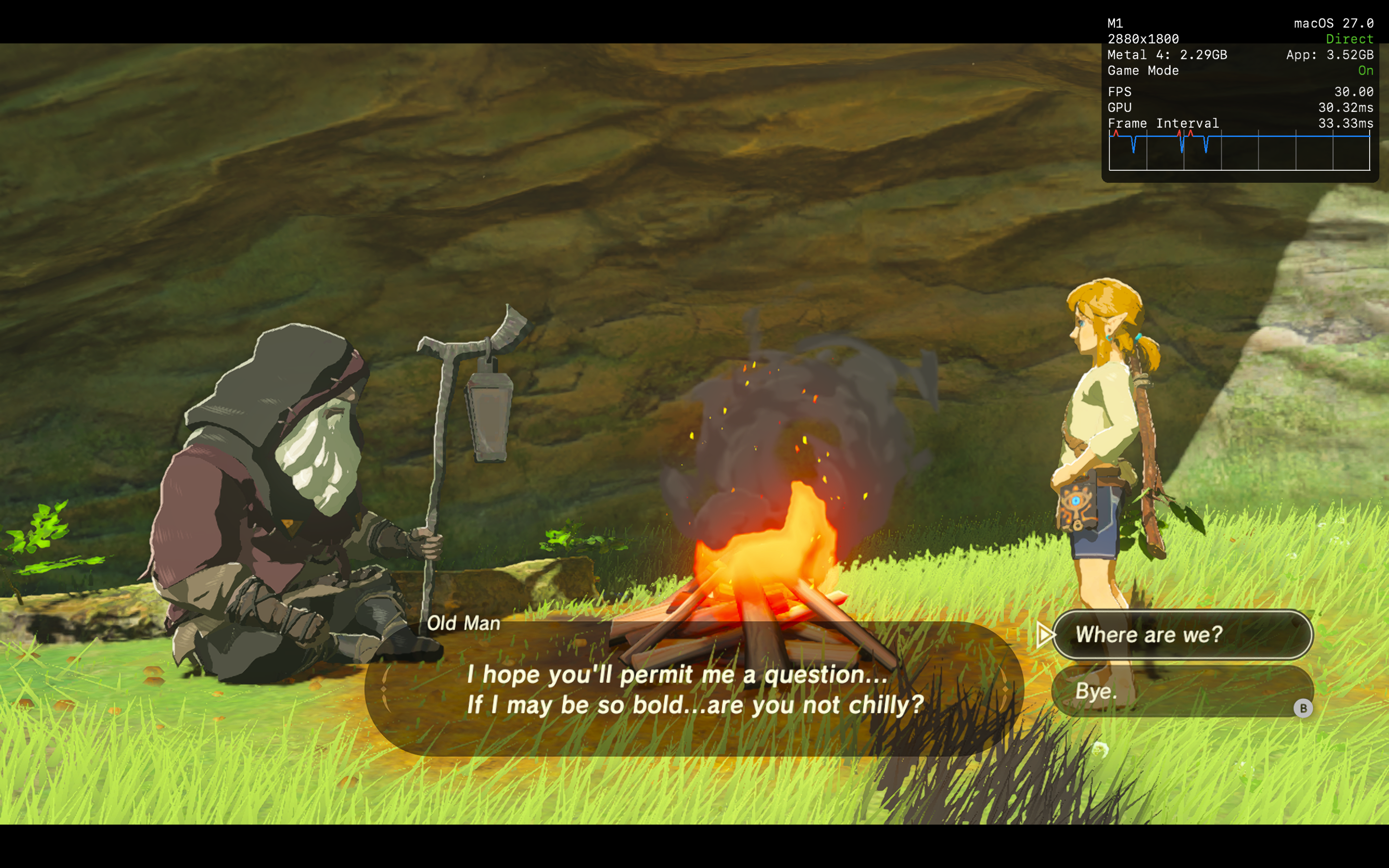
BOTW- Locked 30fps at 2k
Markio kart 8- locked 60fps at 2k
base m1 macbook air, 8gb ram.
How and where can I share this without getting sued by nintendo?
In August I posted mtld3d here, a Direct3D 9 implementation on Metal for Wine.
D3D9 on Metal was the gap I wanted to fill. It turned out a D3D9 driver alone does not get games running: they also needed changes in Wine itself, in FEX (the x86 emulator used here instead of Rosetta), and in other parts of the graphics stack. Mach9 is the result: a Wine build for Apple Silicon with all of those changes, made to be embedded in launchers.
Not another launcher
The plan is for existing launchers to ship this engine, not to compete with them. A launcher copies the wine/ folder into its app and passes per-game settings in one environment variable. The rules are written with a small Rust crate, documented at https://docs.mach9.app. If you maintain a launcher and want to try it, open an issue and I will help.
Until that happens, the engine on its own is hard to try. So there is a small app, Mach9.app, to get more people testing. It starts any Windows .exe you point it at: a game, an installer, or a store client such as the Windows version of Steam if you install one. It is free and notarized (no Gatekeeper workaround), and it never asks for any account; logins happen in the store clients themselves.
AI use
A large part of the code was written with AI coding tools. I decide the design, review the changes and test the games. All of it is public, including every patch to Wine and FEX as plain commits in the forks, so you can check what was changed and why. If that is a dealbreaker for you, that is fair.
What is in it
Wine for arm64, no Rosetta. FEX runs the games' x86 code.
D3D9 on mtld3d. D3D10/11 on DXMT, D3D12 on vkd3d-proton, OpenGL on Mesa. Newer games run too, but they already run well under CrossOver, so the focus is older games.
Open it from Applications. macOS shows "Background Items Added": that is the Dock menu being set up.
Right-click the Dock icon, Options, Keep in Dock.
Right-click the Dock icon, New Executable…, pick a game's .exe, Run.
Installers work the same way: run the installer .exe with "Save as new game" off, install into a normal Mac folder such as ~/Games (Z:\Users\<you>\Games\... in the installer), then add the installed game's .exe. Steam is optional; if you want it, install the Windows Steam client this way and add steam.exe.
Open an issue at https://github.com/athei/mach9/issues with gamelauncher.log attached (Dock menu, Open Config Folder). Reports about games that do not run are the most useful thing right now.
has anyone tried to run the Infamous Second Son pc port on a Mac through CrossOver or anything like that? or try porting to mac.... by themselves ??? I know that's a tall order to ask, though 😂
With the shuttering of BioWare I’ve been feeling pretty nostalgic for Dragon Age and wanted to revisit Origins, it’s one of my all time favourite games, and the RPG that got 16yo me into RPGs.
Only issue is I’m away from my home for an extended period and only have my Mac with me. Turns out DA:O isn’t natively on Apple Silicon (makes sense it’s 17yo at this point), and I really didn’t want to have to run it via Windows on a VM.
So, I’ve created a native macOS launcher for it (with a lot of help from Codex). Since it’s actually working I thought I’d share it with you all in case it lets anyone else scratch that nostalgia itch.
The launcher is free, it’s code is open source, and (for anyone that cares) it works by running the windows steam client and the game through Wine (you will need a steam license for DA:O or DA:O Ultimate Edition).
More detail on how to set it up/how it works are also there.
I’ve tested it on my own MacBook (16” M5 Pro), it should work on all Apple Silicon running macOS26/27 (it’s display aware and will adjust the fullscreen resolution to whatever model you’re using). If you encounter any issues let me know… and if anyone wants to test it in more depth that’d be massively appreciated.
If you do try it, I’d love to hear how you find it.
Finally a massive thanks to Aberrant Ink for the artwork, and the people behind Wine, Sikarugir, and DAFix (without them this wouldn’t have been possible).
I know this is a Mac gaming subreddit but thought I’d seen a few posts about Apple TV gaming on here and thought it might be relevant to some but here is Pokemon Sword natively being played on Apple TV 4K 3rd gen. Performance is perfect so far I’ve not experienced a stutter. It’s in console mode but for lower generations it can go in handheld mode to bring the requirements down a little but I’m a student so don’t have Apple TVs laying around to test on.
Made using NXNative tool for Mac and then making a TV app based on it’s output.
This time I managed to get the Windows version of LEGO Harry Potter running on my M1 Max.
A couple of caveats: there will be a few frame drops while shaders compile, and I can’t upload the game files because of DMCA concerns.
If you’re using the Steam version, you’ll need to use Steamless to strip the DRM. GOG and other copies should work as well (but you might need to point the script to the correct location).
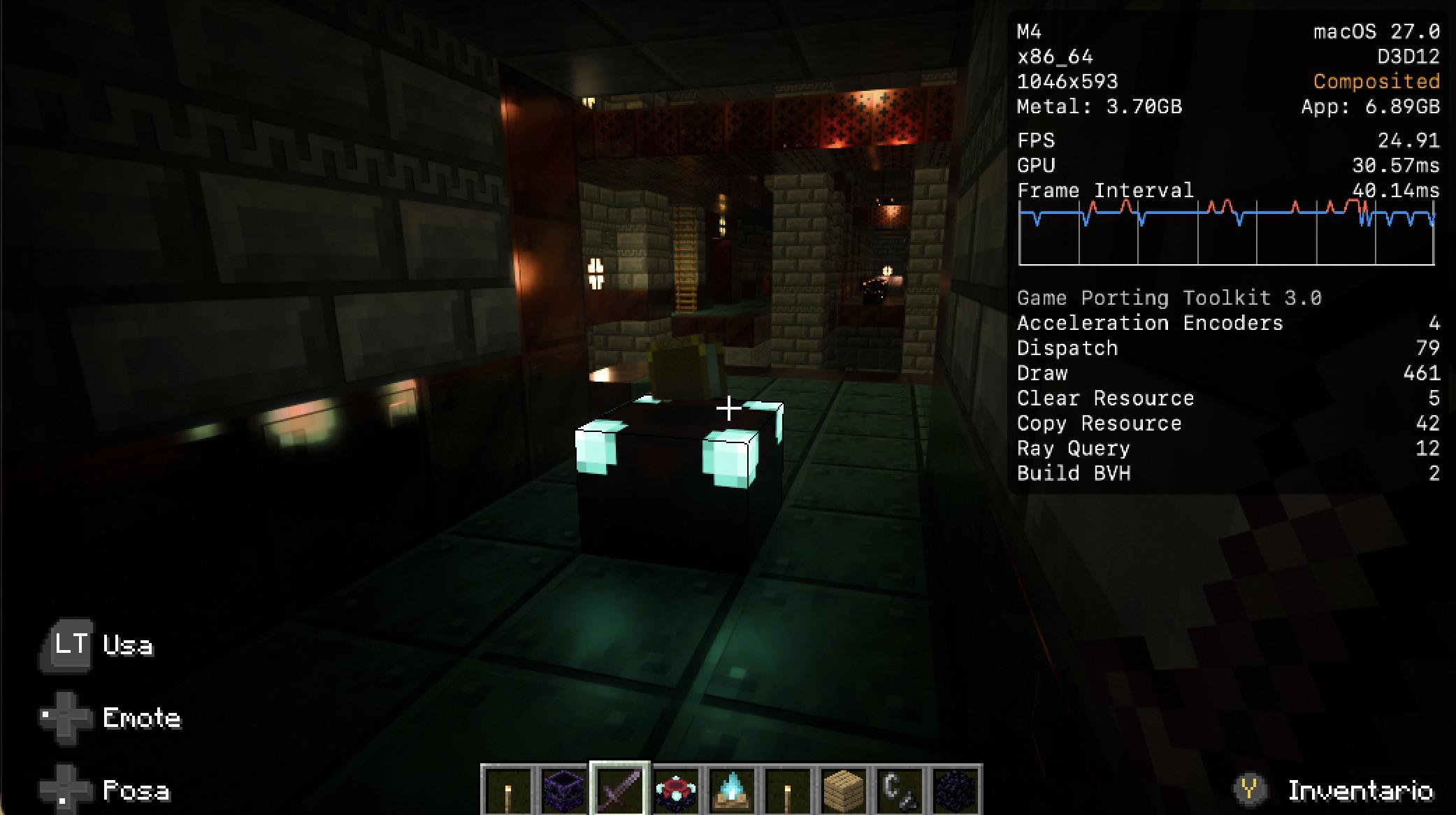
Low resolution and low framerate but it works! Almost 30 FPS not in full screen, working with Vanilla RTX or Kelly’s RTX.
Don’t even know how this is possible but it’s all thanks to the project called “Blockintosh”, all the credits goes to the developer behind this amazing work.
I’m looking to buy a controller for my friend so we can play baldur’s gate together. He’s going to use steam remote play to sign into my pc and we’ll play from there.
Does anyone have recs for controllers that work with MacBooks ~25$?
Hi. Have macbook air m4 base and have an question is it a proper way to launch old games on dx8/9 on mac without parralles or other VM? Interesed in Tomb raider Legend/Anniversery/Underworld and Need for speed Shift 2.
We're a team of two from China making ColdCall, a black comedy where you work in telesales and every phone call is a dodging fight. Trailer above.
We develop on Macs, so the Mac version was never a port. It's one universal build that runs natively on both Apple Silicon and Intel. The demo comes to Steam Next Fest in February, Mac included.
Mac players: what do indie games usualy get wrong on Mac that we should check before the demo?
Hey r/macgaming! Full disclosure: I'm the developer. I kept seeing the same question here, "is there a free, trustworthy way to play Android games on an M-series Mac?", and most of the polished answers end up paid after a trial. So I built one.
SiliconPlay is a free macOS app for M1–M4 Macs. Instead of a custom closed engine, it runs on top of Google's official Android Emulator, the same one Android developers use, and adds what gamers need:
Play Store built in
WASD and full keymapping with customizable on-screen buttons
Per-game profiles, so each game remembers its controls
Optional root mode for tinkerers and devs
Great for app development and testing too, since it's a real Android under the hood
No account required to launch
It runs pretty much every game and app I've thrown at it. A few titles with strict anti-cheat or Play Integrity checks may not, and I'd rather say that up front.
Version 1.0 is out today, signed and notarized by Apple:
Mass Effect Legendary Edition runs well on Apple silicon Macs, but modding it has always meant Windows tools. So I made MELEMT, a free Mac app that handles mods for you.
• One-click installs: hit "Mod Manager Download" on Nexus Mods and the mod installs itself
• Drag and drop any mod you've downloaded
• Safe: it backs up your game files, so you can undo everything at any time
• Play from one place: launch ME1, ME2 or ME3 straight from the app
• Launcher Mode: a clean game launcher where you can use your own cover art
• Keeps itself up to date
It works with the game on Steam, played through NotProton or CrossOver. You'll need macOS 26 or later. There's a step-by-step guide for getting the game running if you haven't set it up yet.
It doesn't matter if its from MacNativeGames or xNative - it's still too much hassle to install these games for someone like me. Anybody else waiting for a ready to go launcher?
I travel a lot and my MacBook is usually the only thing I have with me. During downtime at work or on trips I kept looking for games I could play without a mouse or an internet connection, and honestly there aren't many. So I ported my own game to Mac.
It's called Rogue Melee. A run takes 15-20 minutes max, you don't need a mouse or controller, it works completely offline, and it doesn't drain the battery much. Pretty much made for killing time on a laptop, and it's a lot of fun. Thought I'd share it with fellow Mac gamers, would love to hear what you think.
Wanted to share something i was building from last week,
WE port for mac, it lets you play WE scene and video wallpapers in your mac.
Just download -> steam login -> download wallpaper and play on your device or add your video play them
And yes both in DESKTOP and LOCK SCREEN . there may be some bugs , i am heavily testing this and pushing updates.
It takes 300-600mb when rendering some really heavy scene wallpapers , which is appx 900mb less than other open source alternative I had tested against. And if you play only video it just takes 25mb memory.
Here is memory Usage
When running any video wallpaper , which is only 25mbWhen running any scene
Check these two process Live wallpaper service and Live wallpaper rest are system processes. At any time only service will run you can quit ui or Live wallpaper by cmd+q
If you guys wanna try, download from the releases page, what ever latest version available . And let me know which wallpapers giving problem.