r/macgaming • u/MoreCharacter9567 • Feb 26 '26
Rosetta One-click solution to run Windows games on Apple Silicon Macs
I created a script that automates the setup to run Windows games via Windows Steam on Apple Silicon. The goal is “one button”: run the script, let it do the boring parts, and you end up in the Windows version of Steam ready to install games and play.
It uses free Wine (no paid CrossOver required).
- A quick start: run one script and it takes care of the setup.
- Easy re-runs: if you run it again later, it will reuse what’s already installed.
- Easy cleanup: there is an uninstall script that removes everything it downloaded/created if you don't need it anymore.
Inspired by this guide (huge thanks to the author):
https://www.reddit.com/r/macgaming/comments/1r8vsnj/how_to_play_windows_steam_games_on_mac_with_m
What the script does:
- Automates all steps from post above:
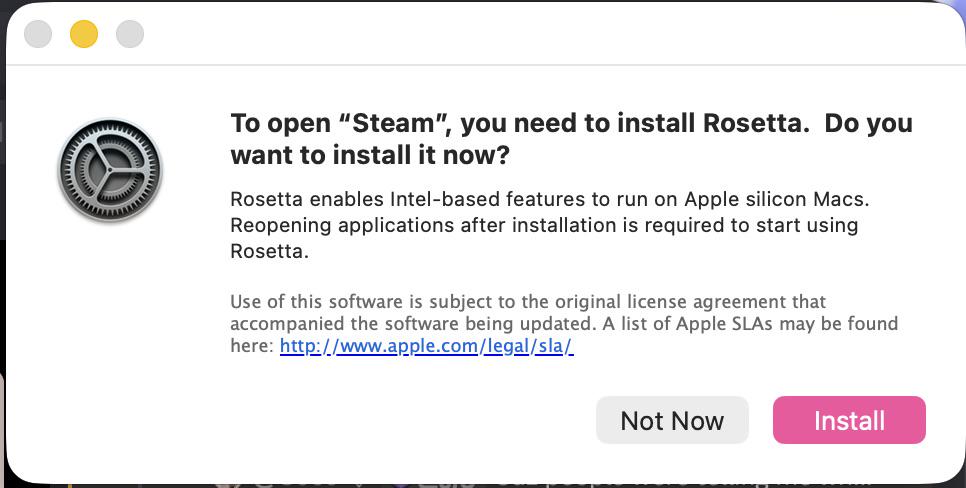
- Installs Rosetta 2 if you don’t have it yet.
- Downloads Wine.
- Creates/uses a Wine prefix and runs Steam.
- Downloads DXMT and enables it for Wine.
- It also includes a few extras on top of the post, like a couple of Wine mouse/input registry tweaks.
- Launches Steam automatically.
- You can easily uninstall all downloaded stuff if you don't need it.
Tested on my MBP M1 Max 32GB, macOS Sequoia 15.7.4.
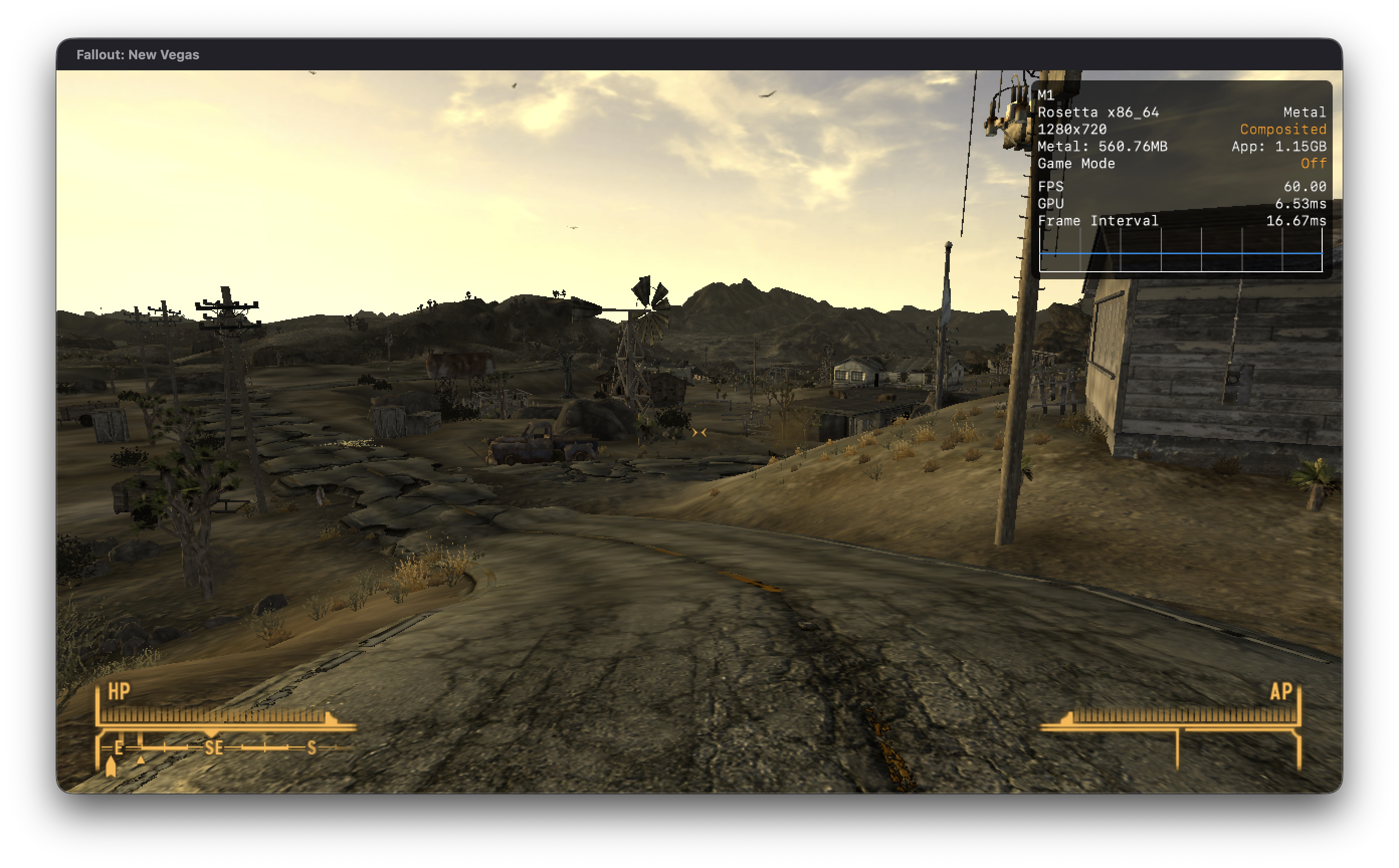
Also tested on CS2 at 1920x1200 on low settings, getting a mostly stable ~80-100 FPS (with occasional micro-stutters). There’s a small mouse feel issue (slow micro-movements can feel a bit “off”), but it’s playable and you can get used to it.
Script + guide here: https://github.com/ByMedion/macos-wine-steam
If you try it and hit issues (or find better performance tweaks), I’d love feedback and PRs.